Setup Warzone VM#
MBE provides a Warzone VM, which includes tools and executable binaries that can be used in lecture, lab, and project. In here, I will setup it with vmware.
Environment#
I have setup in the following environment:
Product Information
    Product: VMware® Workstation 17 Player
    Version: 17.0.2 build-21581411
Step#
-
Download MBE_VM.vmdk.gz in Release MBE v1.1 Release page
$ md5sum MBE_VM.vmdk 241a6db03706ce8285087a0cf610ed37 MBE_VM.vmdk -
Click
Create a New Virtual Machine
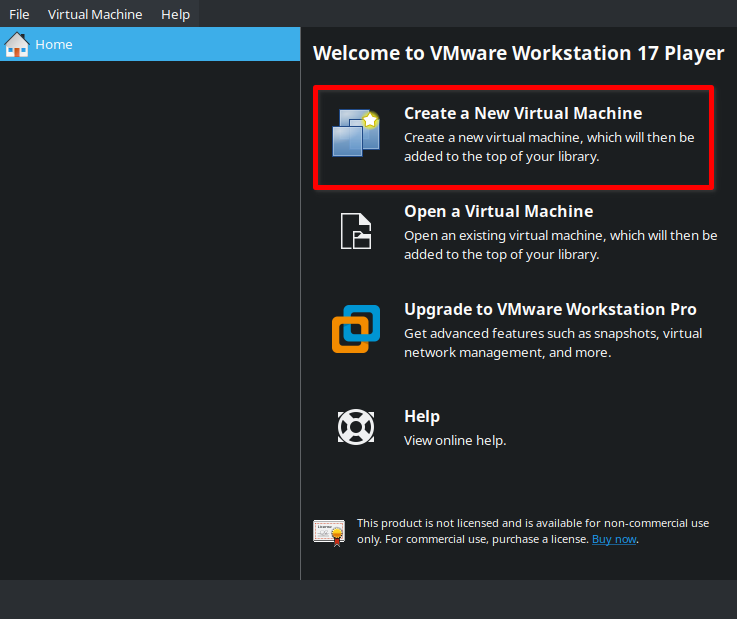
- Select
I will install the operating system later.and clickNext
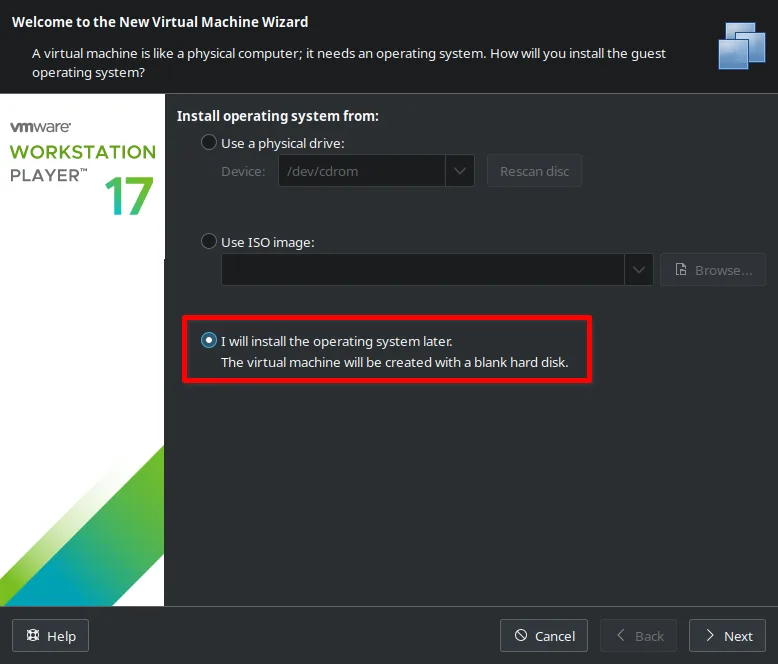
- Select
2. LinuxandUbuntu, then clickNext
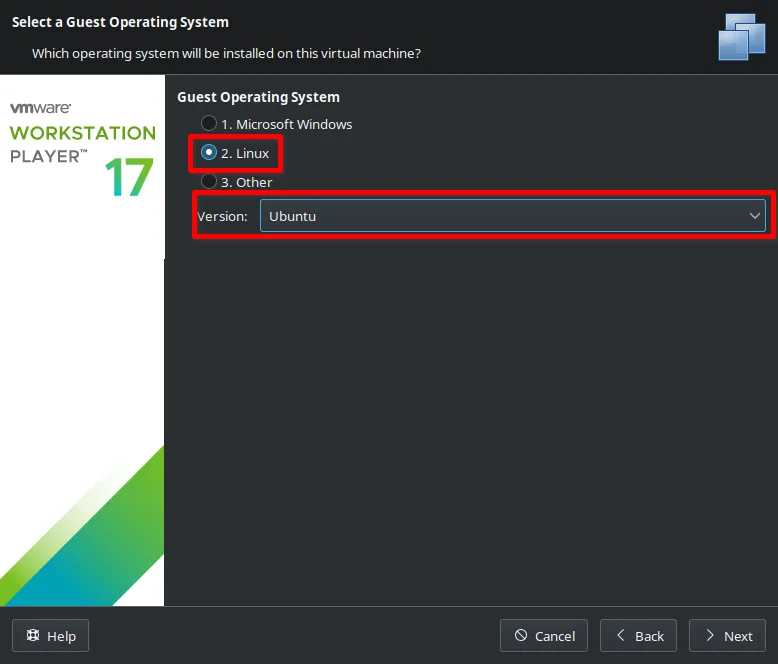
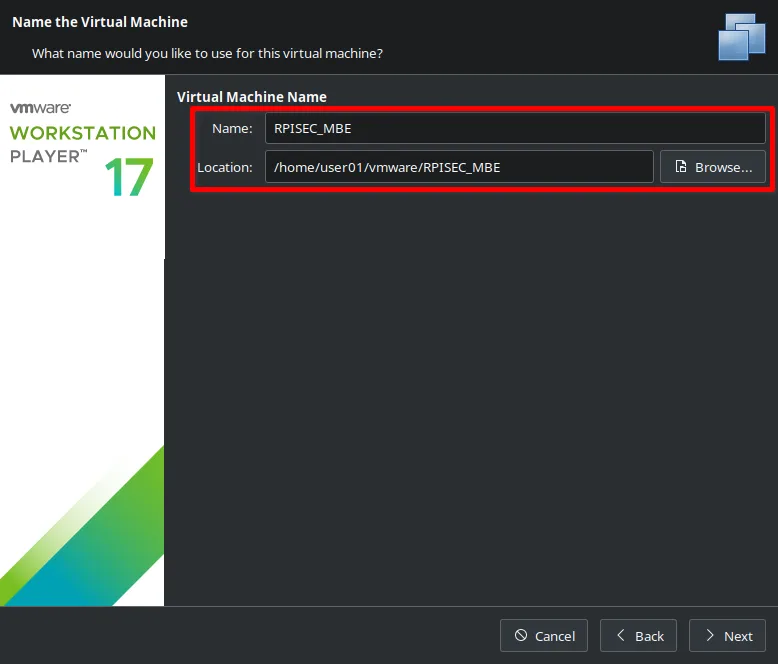
- Input your Virtual Machine name and Location, then click
Next
- Click
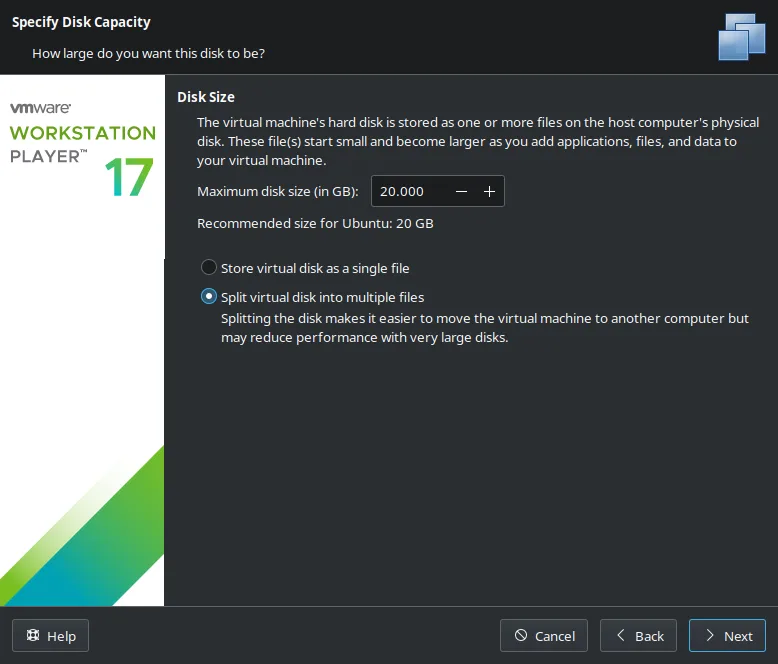
Nextin Specify Disk Capacity,
- Click
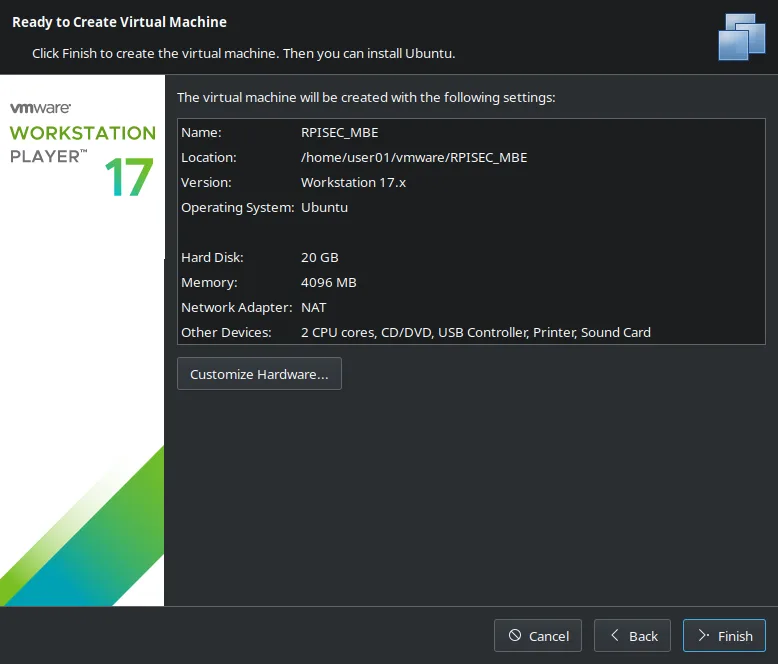
Finish
-
Right click created VM and select
Virtual Machine Settings -
In
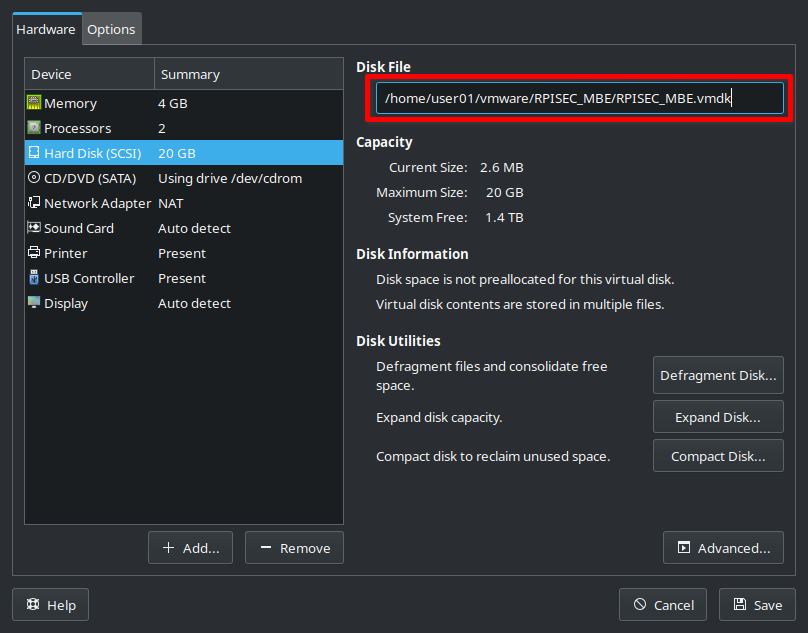
Hardwaretab, selectHard Disk (SCSI)and noteDisk Filelocation
e.g./home/user01/vmware/RPISEC_MBE/RPISEC_MBE.vmdk
-
Copy downloaded
MBE_VM.vmdkfile toHard Disk (SCSI)locationcp MBE_VM.vmdk /home/user01/vmware/RPISEC_MBE/RPISEC_MBE.vmdk -
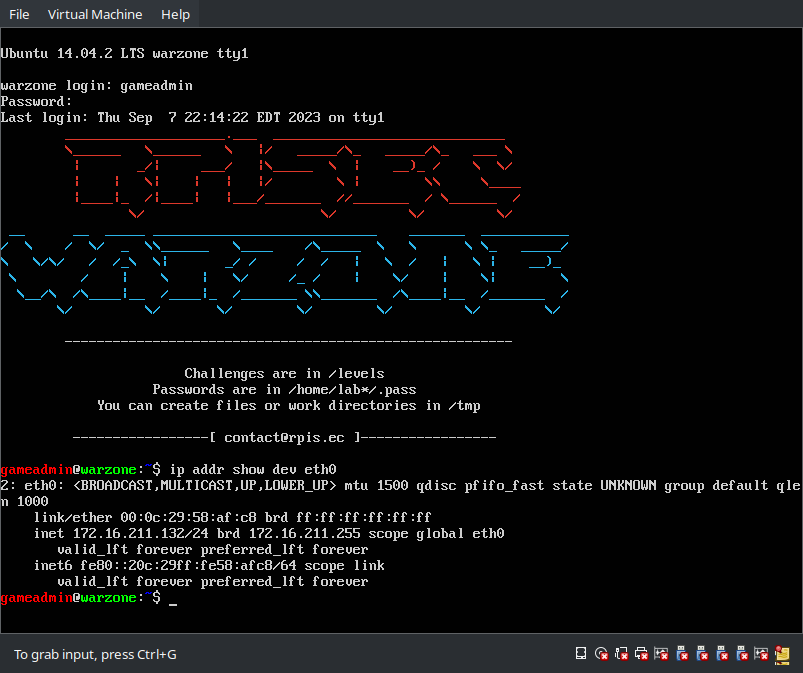
Power On VM and wait a minute, then you will see
warzone login:prompt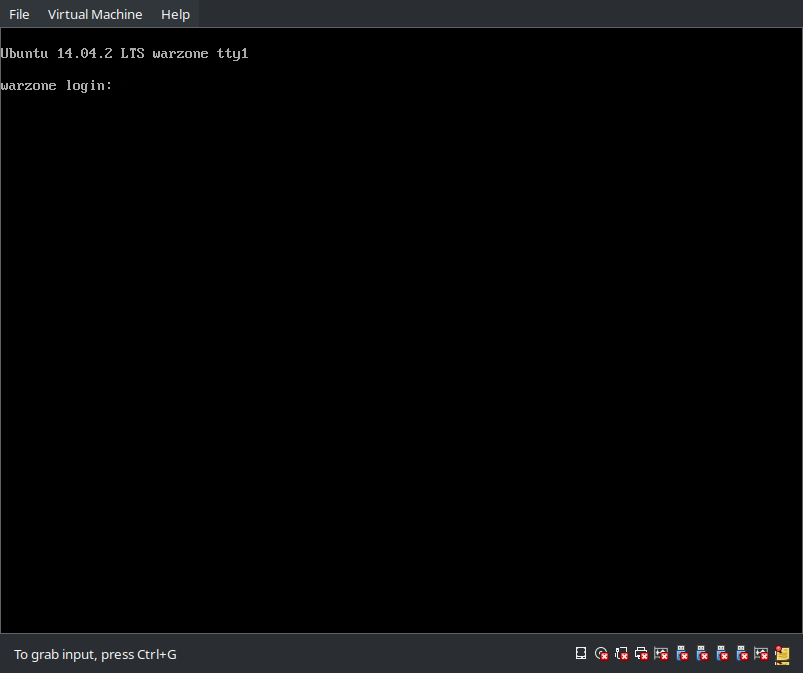
-
Login with
gameadmin:gameadmincredential, and runip addr show dev eth0command, then it show VM's IP address.